




Introduction
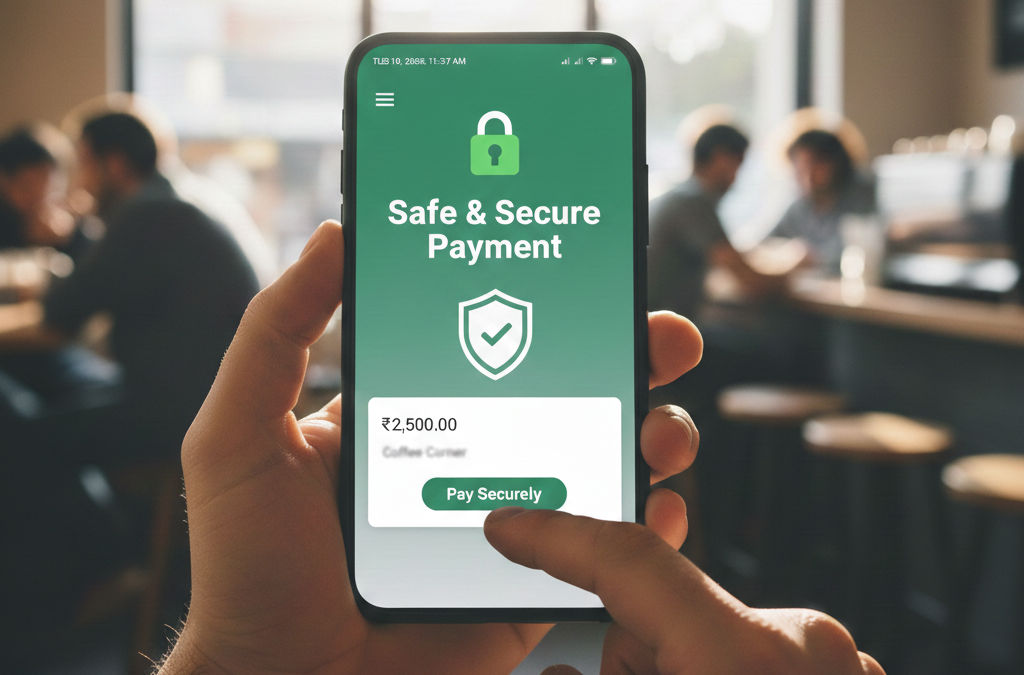
UPI (Unified Payments Interface) has completely transformed how we send and receive money in India. With just a few taps, you can pay bills, shop online, or send money to friends and family. But, like everything digital, it comes with its own risks. UPI frauds are on the rise, and anyone can fall victim if they’re not careful.
In this detailed guide, we’ll explore how UPI fraud works, the common methods used by scammers, and a step-by-step plan to safeguard your account. By the end of this article, you’ll know how to protect your money and make your UPI transactions completely secure.
What is UPI Fraud?
UPI fraud occurs when a scammer tricks you into giving away your banking information or manipulates a transaction to steal money from your account. Typically, fraudsters target your UPI PIN, OTP, or linked bank details, exploiting your trust or a moment of carelessness.
UPI frauds can range from small amounts to large transfers, and the methods are getting increasingly sophisticated. The scam may appear very convincing, making even experienced users vulnerable.
Why UPI Fraud is Increasing
UPI fraud has surged in recent years for several reasons:
- Widespread Adoption of Digital Payments: More people are using UPI for daily transactions, giving fraudsters a larger pool of targets.
- Ease of Social Engineering: Scammers are using clever techniques like impersonation, fake messages, and QR codes to trick users.
- Lack of Awareness: Many users are unaware of basic security practices, such as never sharing OTPs or UPI PINs.
- Emergence of Fake Apps: Fraudsters create apps that look like genuine UPI applications to capture sensitive information.
By understanding these trends, you can see why being cautious is critical.
Common Methods Used in UPI Fraud
1. Phishing Attacks
Phishing is one of the most common UPI fraud methods. Fraudsters send emails, SMS, or WhatsApp messages pretending to be your bank or payment app. They ask for your UPI PIN, OTP, or login credentials.
Example: You receive a message claiming, “Your UPI account will be blocked. Click here to verify.” Once you enter your details, scammers can instantly access your account and transfer money.
2. Fake Calls from ‘Bank Officials’
Scammers often impersonate bank officials. They claim there’s a problem with your account or a refund is pending. In panic, users sometimes share their OTPs or UPI PINs over the phone.
Tip: No genuine bank official will ever ask for your PIN or OTP.
3. QR Code Scams
Fraudsters can generate fake QR codes that look identical to merchant codes. When you scan and pay, the money goes straight to the scammer. Always verify the merchant or amount before scanning.
4. Social Engineering on Messaging Apps
Scammers sometimes pose as friends, relatives, or colleagues and ask for urgent money transfers via UPI. They exploit your trust and a sense of urgency.
Example: You get a WhatsApp message from someone claiming to be a family member: “Emergency! Send ₹10,000 immediately via UPI.” Always call the person to confirm before transferring money.
5. Malware and Spy Apps
Some apps secretly capture your UPI credentials or OTPs. Malicious apps can track your screen or record key presses, stealing sensitive data. Always download apps from official app stores and check app permissions carefully.
Step-by-Step Guide to Protect Your UPI Account
Step 1: Never Share Your UPI PIN or OTP
Your UPI PIN is like a master key to your bank account. Never share it with anyone, including those claiming to be bank officials. Treat OTPs the same way—they are valid for only one transaction.
Step 2: Verify the Source
Always check the sender before clicking links in emails, SMS, or WhatsApp. If unsure, contact your bank directly through official channels before taking any action.
Step 3: Use App Lock and Security Features
Most UPI apps allow fingerprint or face authentication. Enable these features for extra protection. Also, update your apps regularly to get the latest security patches.
Step 4: Double-Check QR Codes
When scanning QR codes for payments, always verify the merchant and transaction amount. Avoid scanning QR codes from unknown sources, especially those shared on social media or messaging apps.
Step 5: Keep Track of Transactions
Monitor your bank account or UPI transaction history daily. If you notice any unauthorized activity, report it immediately. Being proactive can prevent larger losses.
Step 6: Report Fraud Immediately
If you become a victim of UPI fraud, act quickly:
- Contact your bank or UPI app immediately.
- Freeze or block your account if necessary.
- File complaints with NPCI or RBI grievance cells.
NPCI Complaint Portal
RBI Grievance Redressal: RBI Complaint Portal
Real-Life Examples of UPI Fraud
- Cashback Scam: In 2023, a user received a WhatsApp message claiming she had won a cashback reward. She clicked the link and entered her UPI PIN. Within minutes, ₹50,000 was withdrawn from her account.
- Impersonation Scam: Another case involved a scammer posing as a bank official, calling users about “account verification.” Several users unknowingly shared their OTPs and lost money.
These examples highlight two things: never share your PIN/OTP, and report fraud immediately.
Advanced Tips to Stay Safe
- Enable Two-Factor Authentication (2FA): Adds an extra layer of security.
- Avoid Public Wi-Fi: Never make UPI transactions over unsecured public networks.
- Check App Permissions: Only give necessary permissions to your UPI apps.
- Educate Family Members: Especially seniors, who are more vulnerable to scams.
- Use Virtual Payment Addresses (VPAs) Wisely: Avoid sharing them publicly.
Sources & References:
- NPCI – UPI Product Overview
https://www.npci.org.in/what-we-do/upi/product-overview - RBI – UPI Safety Guidelines
https://www.rbi.org.in/Scripts/BS_PressReleaseDisplay.aspx?prid=50624 - Times of India – UPI Fraud Cases
https://timesofindia.indiatimes.com/business/india-business/fraud-in-upi-transactions/articleshow/87654321.cms - Economic Times – UPI Fraud Alerts
https://economictimes.indiatimes.com/wealth/personal-finance/how-to-avoid-upi-fraud/articleshow/92034567.cms